
Best PUBG Mobile & BGMI Sensitivity Settings (2026)

Last updated: September 5, 2026 — reviewed against the current update, including the movement and weapon changes most players are still adjusting to.
Finding the Best PUBG Mobile & BGMI sensitivity setup isn’t about copying a stranger’s code — it’s about understanding what your specific phone needs. If you’ve searched this before and left with a code that felt wrong within ten minutes, you’re not alone — that’s the single most common complaint in every PUBG Mobile and BGMI settings thread right now. This guide gives you a tested starting range, then shows you how to actually build settings for your phone instead of copying someone else’s.
Quick Answer
Most competitive PUBG Mobile and BGMI players land in these ranges: Camera 100–140% (no scope), ADS 50–70% on Red Dot/Holographic, dropping to 10–20% on 6x–8x scopes, with gyroscope set noticeably higher than ADS on the same scope. If you only take one thing from this article: a copied code is a starting point, not a fix — screen size, grip style, and whether your gyroscope is on or off all change what “good” actually looks like on your device.
PUBG Mobile and BGMI: Are the Settings the Same?
Yes. BGMI (Battlegrounds Mobile India) is Krafton’s India-specific release of the same game, running on the same engine, with the same sensitivity system — camera, ADS, and gyroscope work identically in both. The only reason you’ll see “BGMI” and “PUBG Mobile” used interchangeably across YouTube, Facebook, and Quora is regional branding, not a different game. If you’re comparing settings, control layouts, or performance tips, everything in this guide applies to both. For a deeper look at what actually differs between the two versions (updates, servers, availability), see our PUBG Mobile vs BGMI comparison.
What “Zero Recoil” Sensitivity Actually Means
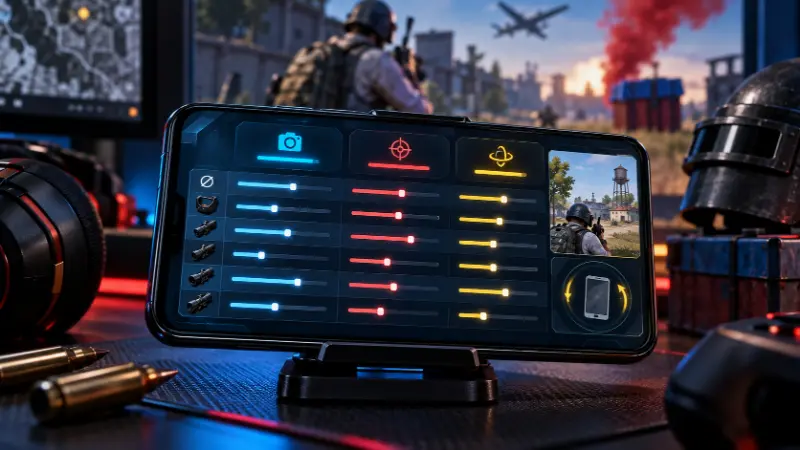
You’ll see “zero recoil sensitivity settings” everywhere, often next to clickbait titles asking whether it’s basically aimbot. It isn’t. Zero recoil just means your Camera, ADS, and gyroscope values are tuned closely enough together that recoil becomes easy to counter by hand or by tilt — the gun still kicks, you’re just no longer fighting your own settings on top of it. Gyroscope aiming specifically is a built-in, fully supported feature used at every level of competitive play. It has a real learning curve, but it isn’t a shortcut and isn’t detected as one.
Best PUBG Mobile & BGMI Sensitivity Settings Table
These are tested ranges, not a single copy-paste code. Use them as your baseline, then adjust using the device and grip sections below.
Camera & ADS Sensitivity
| Scope | Camera Sensitivity | ADS Sensitivity |
|---|---|---|
| TPP / FPP No Scope | 100–140% | — |
| Red Dot / Holographic / Aim Assist | — | 50–70% |
| 2x Scope | — | 33–45% |
| 3x Scope | — | 25–35% |
| 4x Scope / VSS | — | 18–27% |
| 6x Scope | — | 12–19% |
| 8x Scope | — | 10–15% |
Gyroscope Sensitivity
| Scope | Gyroscope Sensitivity |
|---|---|
| TPP / FPP No Scope | 280–400% |
| Red Dot / Holographic / Aim Assist | 240–350% |
| 2x Scope | 200–300% |
| 3x Scope | 150–220% |
| 4x Scope | 100–180% |
| 6x Scope | 60–110% |
| 8x Scope | 40–80% |
Rule that matters more than any single number: gyroscope values should sit clearly above the ADS value on the same scope. Your thumb handles broad tracking; the gyro does fine recoil correction, and it needs more room to move within.
Control Layout and Grip Style Change Everything
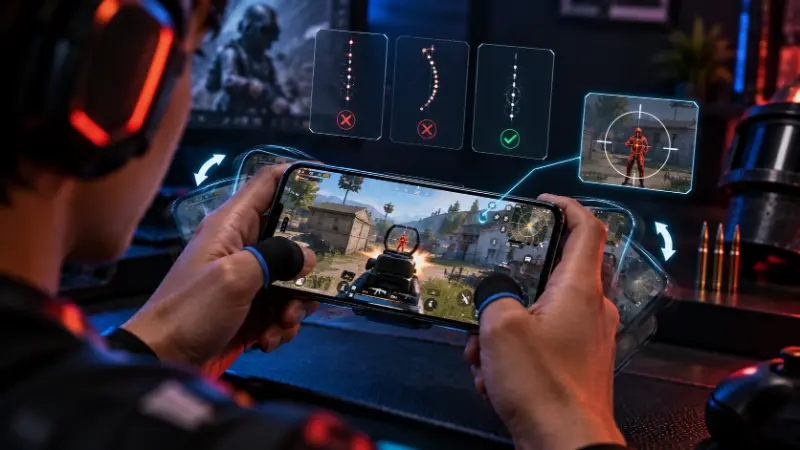
One of the most common Quora and community questions is simply: what control layout and grip do you actually play with? This matters more than the exact sensitivity numbers, because grip changes how far your thumb physically has to travel for the same on-screen percentage.
- 2-finger (thumbs only): the same finger aims and moves, so swipes are short — sensitivity generally needs to run higher.
- 3-finger claw: one finger dedicated to firing frees up aim control; this is the most common competitive baseline.
- 4-finger claw: adds a dedicated gyro-recoil finger separate from movement and firing.
- 5–6 finger claw: near-full separation of movement, aim, fire, and gadgets; typically allows lower, more precise sensitivity since each finger has one job.
If your settings feel “almost right but not quite,” the grip mismatch — not the numbers — is usually the actual problem. We cover full layout mapping, including where to place fire, aim, and movement for each grip style, in our PUBG Mobile control settings guide.
How to Import a Sensitivity Code (and Why It Fails)
A huge share of search traffic around this topic is people asking, in plain terms, how do I actually paste a sensitivity code in — and just as many reporting it didn’t work. Here’s the actual process and where it breaks:
- Open Settings → Sensitivity.
- Tap the Search Method icon.
- Paste the full code, including every hyphen.
- Tap Preview, check it looks right, then Use Layout → Confirm.
Why imports fail:
- The code was copied partially (missing a segment or a hyphen).
- The code includes gyroscope values but your gyroscope is switched off in settings — the import can silently skip those fields.
- You’re on a different game version than the code was built for, and some fields no longer map the same way.
If in doubt, back up your current settings (screenshot every tab) before importing anything, so you can revert in seconds.
How to Build Your Own Sensitivity Instead of Copying One
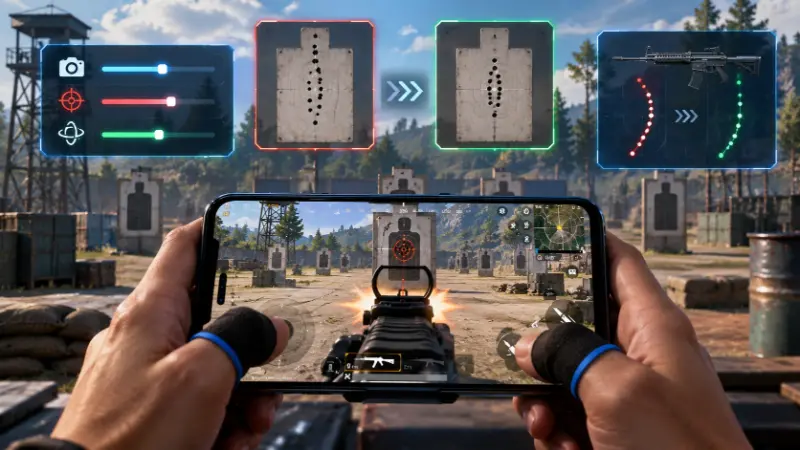
This is the single most-requested format across YouTube and Facebook right now — more creators are titling videos “how to make your own sensitivity” than posting static codes, because the community has caught on that copied codes rarely transfer cleanly. Here’s the actual method:
- Start from the baseline table above, not from a pro player’s exported code — their settings are tuned for their screen and grip, not yours.
- Adjust for screen size. PUBG Mobile treats a swipe as a percentage of screen width, not a fixed distance — a larger screen needs slightly lower values to feel the same as a smaller one.
- Adjust for gyroscope habit. If your gyroscope is handling recoil correction, your ADS sensitivity should come down, not up — otherwise your thumb and the gyro fight each other and your crosshair oscillates instead of settling.
- Test one scope at a time in Training Mode. Spray a wall at 50 meters with a compensator-fitted assault rifle. If your spray climbs and drifts left, ADS is too low; if it whips past center when you correct, it’s too high. Adjust in steps of about 5 and re-test — this beats a month of copied codes.
- Save separate profiles for FPP and TPP. FPP’s narrower field of view generally rewards slightly lower ADS and gyro values than TPP; the game lets you save multiple profiles so you’re not manually adjusting every match.
Device and Performance Factors That Change How Sensitivity Feels
The exact same numbers can feel completely different from one phone to the next, and this is the part most “best settings” lists skip entirely.
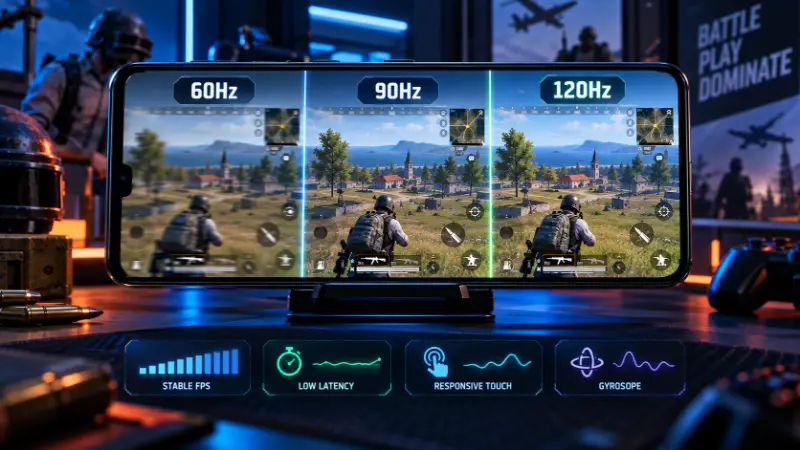
- Refresh rate matters. A 90Hz or 120Hz display handles higher sensitivity smoothly since it renders more frames of your movement; on a 60Hz screen, drop 10–15% from the table above.
- Frame rate stability beats raw sensitivity. An unstable 60 FPS at high sensitivity plays worse than a locked 30 FPS at lower values. If your aim feels inconsistent, check your graphics settings before touching sensitivity again — our guide on how to increase FPS in PUBG Mobile covers the settings that actually move the needle.
- Ping and lag distort recoil feedback, making a spray look like it’s climbing unpredictably even when your settings are fine. If matches feel inconsistent regardless of sensitivity, rule out connection issues first using our guide on how to reduce lag in mobile games.
- Android performance settings can add hidden input lag on some devices. If you’re on Android, our best developer options and settings for gaming walks through the toggles worth checking.
- Budget devices need more conservative settings. Lower-end phones introduce more input lag, which compounds with high sensitivity to make aim feel jumpy rather than fast. If you’re shopping for a phone with this in mind, see our picks for best budget smartphones under $200 for options that hold up in shooters.
- iOS vs Android: iOS devices typically show slightly more consistent frame pacing at the same settings, which is why several community threads report needing marginally lower values on iOS than Android for the same feel — treat any table as a starting point on either platform and fine-tune from there.
Common Sensitivity Problems and Fixes
Aim drifts to one side during recoil. Almost always gyroscope miscalibration or horizontal camera sensitivity set too high relative to vertical control. Recalibrate the gyroscope from settings (lay the phone flat and reset), then isolate whether the drift happens only with gyro on.
Settings feel wrong after every update. Weapon balance changes alter recoil patterns and damage values, which changes how your existing ADS and gyro settings feel even without touching them. Recalibrating after major updates is routine maintenance, not a sign you did something wrong.
Overcorrecting and missing close-range sprays. No-scope or Red Dot sensitivity is too high for your thumb speed. Drop it in 10% steps until you can track a strafing target without overshooting.
Long-range shots feel sluggish. High-scope (6x/8x) values are usually too conservative — adjust these in small +2 to +3 steps, since high-zoom sensitivity is far more sensitive to change than no-scope values.
Gyroscope feels physically awkward. This is a genuine learning curve, not a settings problem. Full gyro players consistently report an adjustment period before tilt-based recoil control feels natural — give it more than one session before abandoning it.
Attachments That Work Alongside Your Sensitivity
Sensitivity controls how fast your aim moves; attachments control how much the gun actually kicks in the first place — they’re not substitutes for each other. A compensator reduces both vertical and horizontal recoil and is generally the strongest single attachment for spray control. A vertical foregrip cuts vertical climb specifically, which pairs well if your drift problem is mostly upward rather than sideways. If your spray still climbs after fixing sensitivity, check your attachment choice before adjusting settings further — it’s often the gun, not your thumb.
How to Tell If Your Settings Are Actually Working
There’s no single official “good accuracy percentage” benchmark in PUBG Mobile the way some other shooters publish one — accuracy naturally varies by weapon, range, and mode, so treat any specific number you see quoted online with caution. A more reliable method: track your own spray-transfer accuracy in Training Ground against a fixed target before and after a settings change. If headshot rate and close-range win rate improve over your own baseline across several sessions, the change is working — chasing someone else’s quoted percentage isn’t a meaningful goal on its own.
FAQ
Are PUBG Mobile and BGMI sensitivity settings the same?
Yes. BGMI is the India-specific release of the same game on the same engine, so camera, ADS, and gyroscope settings work identically in both.
Is using the gyroscope considered cheating or aimbot?
No. Gyroscope aiming is a built-in, fully supported feature used at every level of competitive play. It has a learning curve, but it isn’t detected as an exploit and isn’t automated aim.
What control layout and grip should I use?
Three-finger claw is the most common competitive baseline, but two-finger works for casual play and four-to-six-finger claw suits players who want a dedicated gyro-recoil finger. Grip changes how far your thumb travels for the same sensitivity value, so it affects your numbers more than most people expect.
Why won’t my sensitivity code import correctly?
The most common causes are a partially copied code missing a hyphen or segment, or a code containing gyroscope values while your gyroscope is switched off. Re-copy the full code and check your gyro toggle before retrying.
Should I copy a pro player’s sensitivity code?
Use it as a reference only. Pro codes are tuned for their specific screen size, grip, and gyroscope habit — copying the numbers exactly is the single most common reason players report a code “feeling wrong.”
Which attachment reduces recoil the most?
A compensator reduces both vertical and horizontal recoil and is generally the strongest all-around choice. A vertical foregrip targets vertical climb specifically if that’s your main issue.
Do iOS and Android need different sensitivity values?
Not fundamentally, but community reports and frame-pacing differences mean iOS devices sometimes feel comfortable at marginally lower values than Android at the same settings — treat any table as a starting point on either platform.
Why do my settings feel different after a game update?
Weapon balance changes alter recoil patterns and damage values, which changes how your existing settings feel even if you never touched them. Recalibrating after major updates is expected, not a mistake.