
How to Create Custom Skins in PUBG: The Complete Guide

Quick answer: PUBG has no built-in skin editor. On PC, players can extract and repaint texture files for private, offline use, but that skin is invisible to everyone except you. On PUBG Mobile and BGMI, there’s no modding path at all — customization runs through growth/upgrade skins, Royale Pass rewards, and official design contests. The only way to get a design that other players actually see in real matches is through PUBG Corp’s official contest and creator channels, which have a real track record of taking community-made concepts live.
By Marcus Reyes, PC Modding & Game Customization Specialist — 8+ years modding Unreal Engine titles, including PUBG’s client-side texture systems. Verified against the current PC client, PUBG Mobile, and BGMI builds.
Skins are only part of getting PUBG Mobile to feel right — pairing a custom look with the best PUBG Mobile control settings and layout makes a bigger difference to your actual win rate. If you’ve switched to a controller, our guide on how to play PUBG Mobile with a controller covers sensitivity and button mapping specific to that setup. It’s also worth knowing whether PUBG Mobile is cross-platform in 2026 before you invest in cosmetics your squad on another device might not even see. And for players still choosing between battle royales altogether, our honest PUBG Mobile vs Free Fire comparison lays out the real differences.
Can You Actually Create Custom Skins in PUBG?
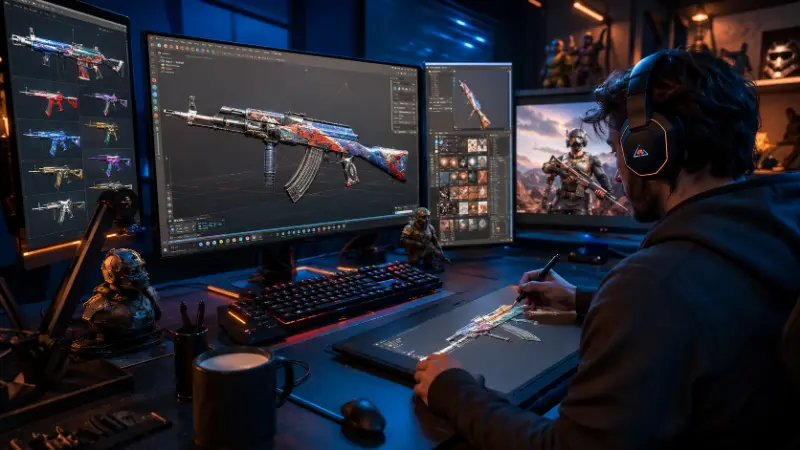
The community has been asking this since the game’s early years, and the honest answer hasn’t really changed: skins that ship in official matches are made by PUBG Corp’s own art team, not by individual players. That’s been the studio’s consistent line for as long as the game has existed.
But “you can’t make skins” is only half the story, and it’s the half that gets repeated without the nuance. Here’s what’s actually true:
- Private texture mods (PC only) — you edit the game’s own texture files locally. Nobody else sees it. This is what most “how to create custom skins” tutorials are actually describing.
- Combining official items into a personal look — mixing outfits, weapon skins, and accessories you already own into a style nobody else is running. Zero risk, works everywhere.
- Getting a real design into the live game — this has actually happened. PUBG has run official skin and outfit design contests for years, and there are documented cases of freelance 3D artists having their work — scopes, weapon models, and more — adopted into the shipped game through legitimate contracts, not mods. The tools behind that kind of work are Blender (free) and Substance Painter, not Photoshop texture swaps.
- PUBG’s stance on modding in general is more restrictive than some other military-shooter titles. Unlike ARMA, which lets players download dedicated server files and run their own modded servers, PUBG Corp has been explicit that it isn’t going down that route. That’s a deliberate design choice, not an oversight.
So: no official in-game editor, yes to private PC customization, and yes to a real (if competitive) path for getting your own design shipped.
Understanding PUBG’s Skin System Before You Try to Customize Anything
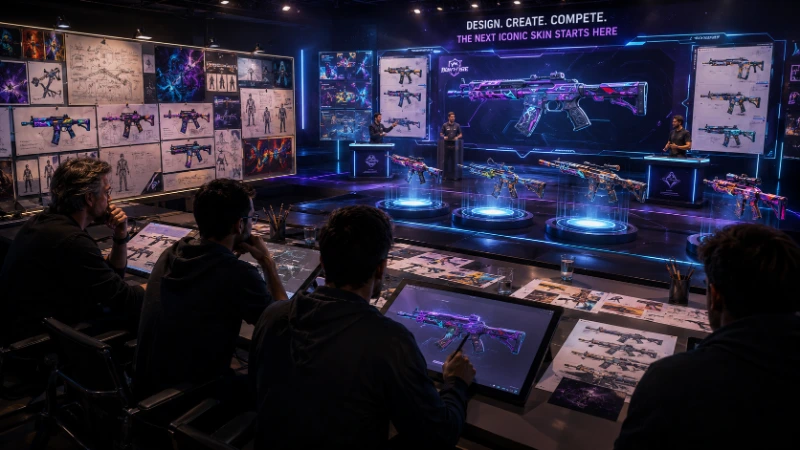
Before touching any tool, it helps to know what you’re actually working with. PUBG’s cosmetic system is bigger — and more structured — than most guides admit.
Item categories go well beyond “outfit” and “weapon skin.” The system also covers vehicle skins, parachutes, backpacks, emotes, sprays, ID cards, killfeed emblems, and even lobby backgrounds and lobby music. If you’ve ever wondered how other players get those custom killfeed emblems showing up when they get a kill, that’s its own cosmetic slot tied to the crate/ticket economy, separate from your character’s outfit entirely.
Rarity tiers run from Basic and Common up through Event, Classic, Special, Elite, Rare, Epic, Legendary, and Ultimate — with a distinct Workshop tag reserved for officially accepted creator submissions. That Workshop category matters more than it looks: it’s confirmation that community-designed items already have a real, tagged place inside PUBG’s own item database, separate from standard crate drops.
Skins are purely cosmetic. No stat boosts, no hitbox changes, no recoil differences — a maxed-out growth skin looks different, not stronger. PUBG Corp has kept it this way deliberately to avoid the pay-to-win reputation some other shooters have with their skin economies.
One real, named example of official “creation”: PUBG’s collaboration collections — the PUBG x NewJeans set is one — have been distributed through an in-game feature the developers themselves call Workshop crafting, where specific items are assembled rather than simply unlocked from a crate. It’s the closest thing to a legitimate “creation” mechanic PUBG currently ships with, and almost no other guide on this topic mentions it.
PC vs. Mobile vs. BGMI vs. Console: What’s Actually Possible
| PUBG: BATTLEGROUNDS (PC) | PUBG Mobile / BGMI | Console (PS/Xbox) | |
|---|---|---|---|
| File-level texture modding | Yes, for private/offline use | Not practically possible — modified files get flagged, crash, or are auto-removed | Not possible on closed platforms |
| Visible to other players | No, client-side only | N/A | N/A |
| Risk if used in online matches | Yes — anti-cheat can flag modified files | N/A | N/A |
| Legit customization | Growth skins, presets, combining owned items | Growth/upgrade skins, Royale Pass, crates, official design contests | Standard inventory/loadout system only |
| Official “get it in the real game” route | Skin design contests, Creator Program | Global Outfit Design Contest, Workshop crafting | N/A |
Note for India-based players: BGMI runs on the same customization systems as PUBG Mobile globally, just under different branding and regional events — most of what applies to PUBG Mobile in this guide applies directly to BGMI too.
Is It Safe? The Honest Ban-Risk Breakdown
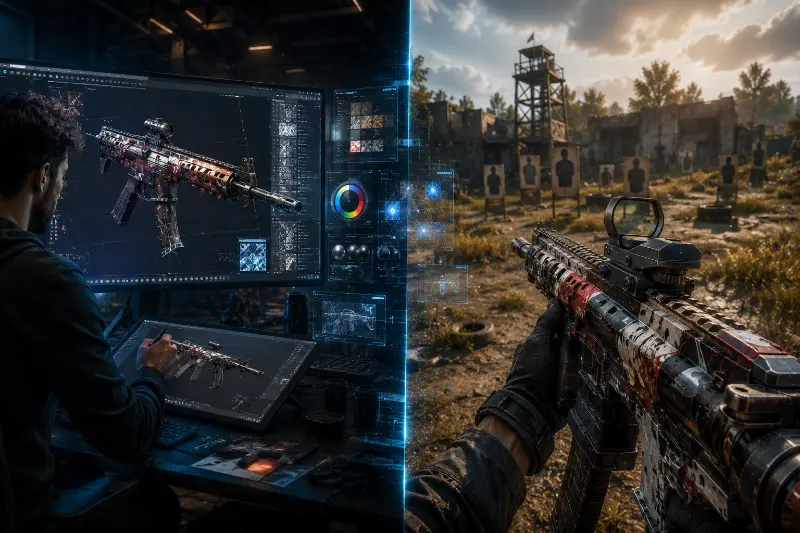
This is the part most tutorials either skip or bury in one vague sentence, so let’s be specific:
- Offline, training mode, or private matches: Modding here doesn’t affect anyone else’s game and is the lowest-risk way to experiment with texture edits.
- Official online matchmaking: PUBG’s anti-cheat scans for modified client files. Cosmetic-only intent doesn’t matter to the detection system — a replaced texture file can still get flagged the same way a gameplay cheat would, and that risks a suspension.
- Where you get the modding tool matters as much as what you do with it. “Skin changer” tools distributed through random download links are one of the more common ways players end up with malware or a stolen account, completely separate from any modding risk itself. Only use tools with a verifiable, checkable history, and scan anything before running it.
- Mobile is a dead end for this, and not because of rules — because of the platform. Modified files on PUBG Mobile/BGMI don’t just risk a ban; players attempting it report the game crashing or the modification being auto-removed outright. There isn’t really a middle ground to weigh risk against on mobile.
If zero risk matters more to you than a fully custom look: stick to combining official cosmetics, or aim for the design-contest route below. Both get you something genuinely your own with no downside.
How to Create Custom Skins in PUBG on PC (Step-by-Step)
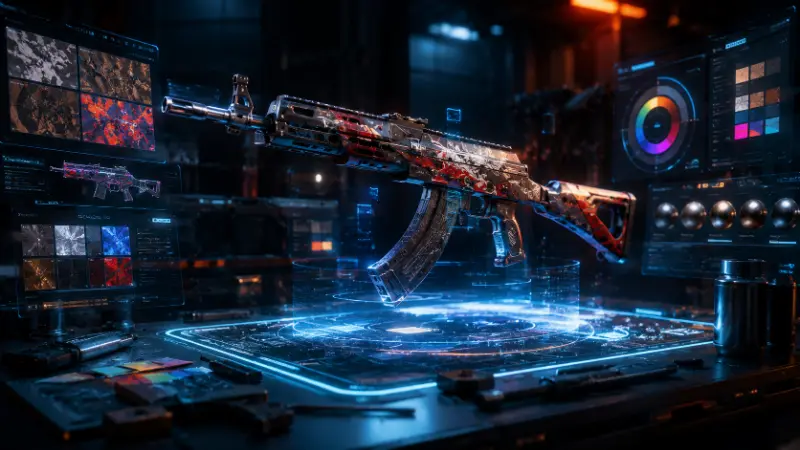
This is the private-use method — treat the result as something for your own screen, not something to bring into ranked play.
Tools you’ll need
- A
.pakfile extractor, to open PUBG’s archive files - UE Viewer (or a comparable Unreal Engine asset viewer), to convert extracted files into an editable image format
- Photoshop or GIMP for the actual design work
- A hex editor, occasionally needed for small structural fixes if a repacked file won’t load correctly
- A backup of your original files — this is not optional
Step-by-step
- Locate your PUBG install directory. On a standard Steam install, this is typically under
Steam\steamapps\common\PUBG. - Back up the original files first. Copy the folder you’re about to touch somewhere safe before changing anything.
- Open the
Paksfolder and use your extractor to pull the archive containing the item you want to edit — a weapon skin, an outfit piece, whatever you’re targeting. - Run the extracted file through UE Viewer to convert it into a standard image you can actually open in an editor.
- Edit the texture in Photoshop or GIMP. Stick to color, pattern, and surface detail. Reshaping the underlying model geometry is far more likely to cause clipping or crashes than a texture recolor.
- Export at the exact same resolution and format as the original. Mismatched dimensions are the number one reason a “finished” skin looks broken once it’s back in the client.
- Repackage and replace the original file, keeping the untouched version stored separately in case anything needs reverting.
- Test in offline or training mode first. Never validate a new mod for the first time in a live match.
If it looks right in training mode with no crashes, you’ve got a working private mod. If something’s off, the table below covers the fixes that actually resolve it — not just “reinstall and hope.”
Common Issues (And the Fixes That Actually Work)
| Problem | Likely Cause | Fix |
|---|---|---|
| Skin doesn’t show up in-game | Wrong folder, or the file wasn’t repackaged correctly | Re-extract and confirm you replaced the file at the exact original path; fully restart the client |
| Game crashes on load | Resolution/format mismatch, or a corrupted repack | Re-export matching the original file’s exact specs; change one texture at a time so you know which edit caused the crash |
| Texture looks warped or stretched | Image edited at the wrong aspect ratio | Check the original texture’s dimensions before editing — don’t freely resize in your editor |
| Anti-cheat warning or flag | Modified files detected during an online session | Revert to your backup immediately before your next login; keep all modding confined to offline modes from then on |
| Skin reverts after an update | A patch overwrote the modified client file | Expected behavior — game updates reset client files, so you’ll need to reapply the mod and re-check compatibility after every patch |
| Skin won’t switch in the pre-match lobby (console) | Console UI requires a specific input, not a menu click | In the match lobby while players are still joining, open your inventory and hold down the right thumbstick — this is what actually triggers the skin change on console, and it trips up a lot of players who expect a normal menu selection |
How Customization Actually Works on PUBG Mobile and BGMI
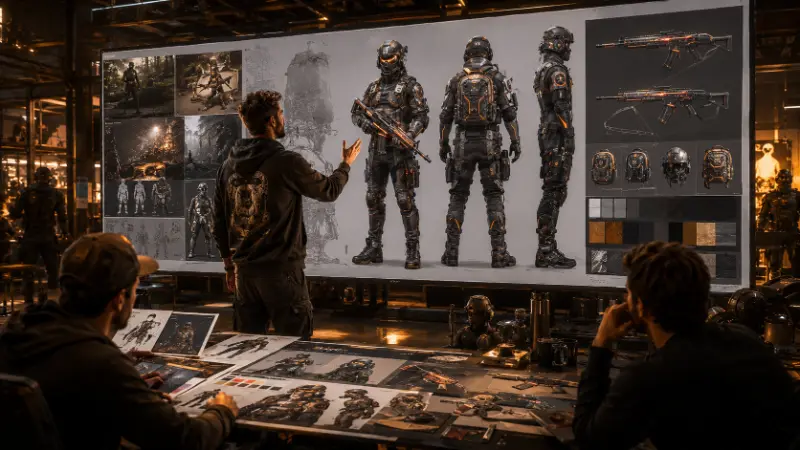
There’s no file to edit here, so the real question isn’t “how do I mod it” — it’s “what’s actually available.”
- Growth/upgrade skins — take a base weapon skin like a Glacier M4 or Glacier AK and level it up through gameplay to unlock extra finish effects and animations. This is the single closest thing mobile has to a “personalized, leveled-up” look.
- Royale Pass exclusives — Royale Pass A1 introduced Spectre Slayer, generally referenced as the first genuinely customizable skin PUBG Mobile shipped, letting players adjust its look rather than getting one fixed appearance.
- The Global Outfit Design Contest — PUBG Mobile has run official design contests inviting players to submit their own outfit concepts, with winning designs making it into the actual game. This is real, it’s happened, and it’s the legitimate version of “I want my design in PUBG Mobile.”
- Crate and ticket economy — most skins come down to spending BP or UC on crates, sometimes gated behind ticket systems (commonly ten tickets per crate) rather than a direct purchase.
- Achievement and milestone unlocks — certain weapon skins unlock through cumulative kills or challenge completion rather than being purchasable at all.
- Profile customization is a separate layer entirely. Your profile picture, avatar frame, and ID card are cosmetic slots independent from character outfits and weapon skins — changing one doesn’t touch the others.
None of this requires downloading a single tool, and none of it carries any account risk.
The Real Path to Getting Your Own Design Into the Game
If your actual goal is “I want other players to see something I made,” modding your own client will never get you there — local edits are invisible to everyone but you. There are exactly two routes that have actually put player-made work in front of the wider PUBG playerbase:
- Official design contests. PUBG Mobile’s outfit design contests and similar skin-design competitions are open submission processes where winning entries get produced and released as real, purchasable in-game items.
- Freelance/contract 3D art work. There are documented cases of independent 3D artists having weapon models and attachments — a 4×4 scope and a UMP variant among them — adopted into the shipped game through direct freelance or contract work with the development team, not through modding at all. If this is the path you’re actually aiming for, the tools that matter are Blender (free, open-source) for the 3D model and Substance Painter for the texture and material work — the same pipeline used for professional game asset production, not Photoshop texture swaps.
Worth knowing for 2026 specifically: AI-assisted 3D asset production has started cutting the time to produce a finished game skin from roughly ten hours down to a fraction of that in some studio pipelines. That doesn’t mean an AI tool will get your design into PUBG on its own, but it does mean the skill floor for producing contest-ready 3D work is dropping faster than most players assume.
FAQ
Does PUBG have an official skin creator or editor?
No. There’s no in-game tool for designing new skins from scratch. Everything you see equipped by other players in official matches was made and approved by PUBG Corp.
Can other players see my custom skin if I mod it on PC?
No. Client-side texture edits only render on your own screen. Everyone else still sees the original, unmodified item.
Will I get banned for using custom skins in PUBG?
Using mods offline or in private/training modes carries essentially no risk. Using them in official online matchmaking risks anti-cheat detection and a possible suspension — the system doesn’t distinguish “cosmetic only” intent from any other file modification.
Can I create custom skins in PUBG Mobile or BGMI?
Not through file modding — that path doesn’t exist on mobile, and attempts commonly just crash the game or get auto-removed. Real customization on mobile/BGMI comes from growth skins, Royale Pass exclusives, crates, and official design contests.
Where can I find mods for PUBG?
For PC, private-use texture mods circulate through modding communities, though quality and safety vary enormously — stick to sources with a verifiable track record. On mobile, there’s no equivalent; anyone claiming to sell a “PUBG Mobile mod” is not offering something that functions as advertised.
What tools do I actually need to mod PUBG skins on PC?
A .pak file extractor, an Unreal Engine asset viewer such as UE Viewer, an image editor like Photoshop or GIMP, and occasionally a hex editor for structural fixes.
Is there a legitimate way to get a skin design I made into the actual game?
Yes — PUBG’s official design contests (PUBG Mobile’s Global Outfit Design Contest among them) are the direct route, and there’s real precedent of independent 3D artists getting contracted work into the shipped game using Blender and Substance Painter.
How do I change my character’s appearance in PUBG? Through the player customization screen available from the start of the game. If you want to change your initial gender/appearance choice later, it costs BP (roughly 3,000) to unlock a change — all owned skins and items carry over regardless.
Is there a difference between my PUBG profile picture and my character’s skin?
Yes. Profile picture, avatar frame, and ID card are a separate cosmetic layer from your character outfit and weapon skins — they’re changed independently and don’t affect each other.
Why doesn’t PUBG support full modding like some other military shooters?
It’s a deliberate stance from the developers. Unlike ARMA, which supports downloadable dedicated server files and player-run modded servers, PUBG Corp has been explicit that it isn’t taking that approach, likely to keep anti-cheat integrity and match consistency consistent across the whole playerbase.
